Who is Linux for?
Linux is not only for programmers or highly technical users. If you can use a web browser, email, files and everyday applications, you will quickly find your way around Linux for normal daily tasks. Some things work differently from Windows or macOS, so it is useful to expect a little learning and exploration.
You do not need to know the terminal to get started
Most everyday tasks can be done through the graphical interface. You can learn the terminal gradually.
- commands and instructions can be found in documentation, forums and on the web,
- you can also use artificial intelligence to help explain commands,
- ask it to explain what a command does before you run it,
- do not run commands blindly, especially those using
sudoor deleting files.
Linux is different from Windows and macOS
Linux is a different operating system. Everyday tasks are similar, but application names, the way software is installed, folder organisation and some system settings may be different. Some Windows applications do not run directly on Linux, so users often choose alternatives such as LibreOffice and GIMP.
What does this mean in practice?
- web browsing, email, videos and documents work in much the same way as on other systems,
- applications are often installed from a software store or repositories,
- instead of a Windows
.exefile, you normally use a Linux version of the application or an alternative, - you do not need to change everything at once – you can learn new things gradually.
Games
Not every game runs directly on Linux. However, many Windows games can run on Linux through Steam and Proton. If a particular game is very important to you, check its compatibility before switching.
So many distributions – which one should you choose?
When you first discover Linux, you quickly notice that there are many different versions of the operating system, known as distributions. For beginners, the best choices are usually distributions that are simple, stable and well documented.
- Linux Mint – simple, user-friendly and familiar to many Windows users.
- Zorin OS – modern, visually polished and designed for an easy transition from Windows.
- Ubuntu LTS – a well-known distribution with plenty of documentation and community support.
If you do not want to overthink the choice
For your first test, it is enough to choose Linux Mint, Zorin OS or Ubuntu LTS. You can find a more detailed comparison on the Linux distributions page.
What do beginner-friendly distributions look like?
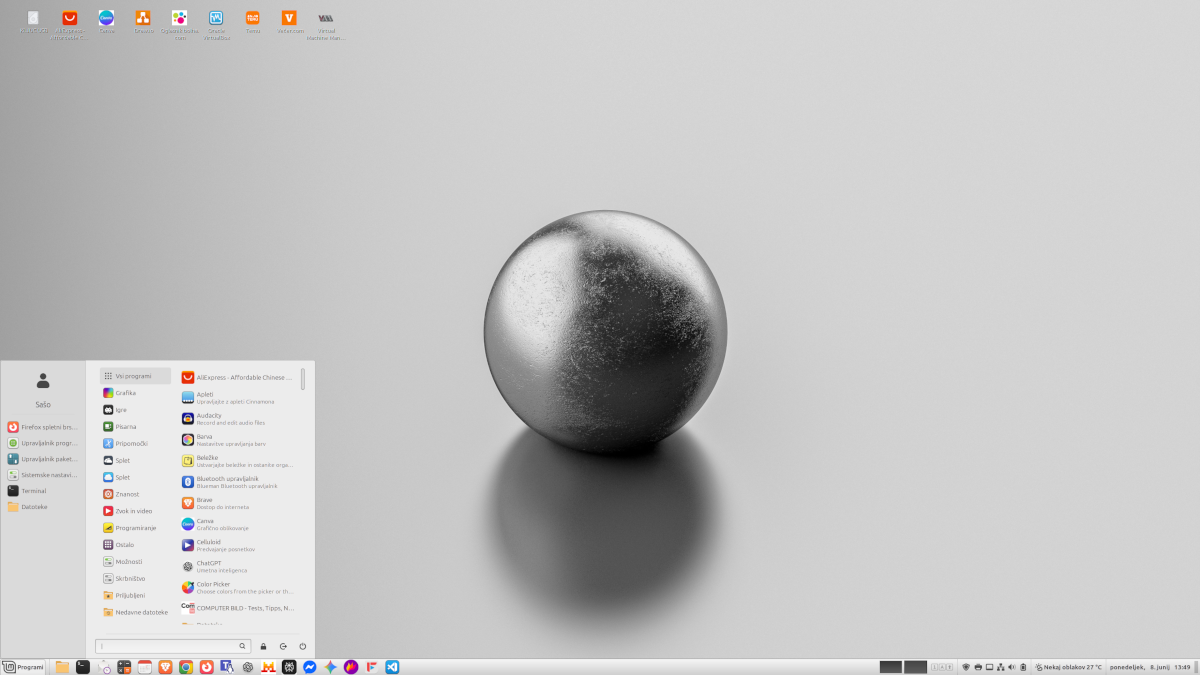
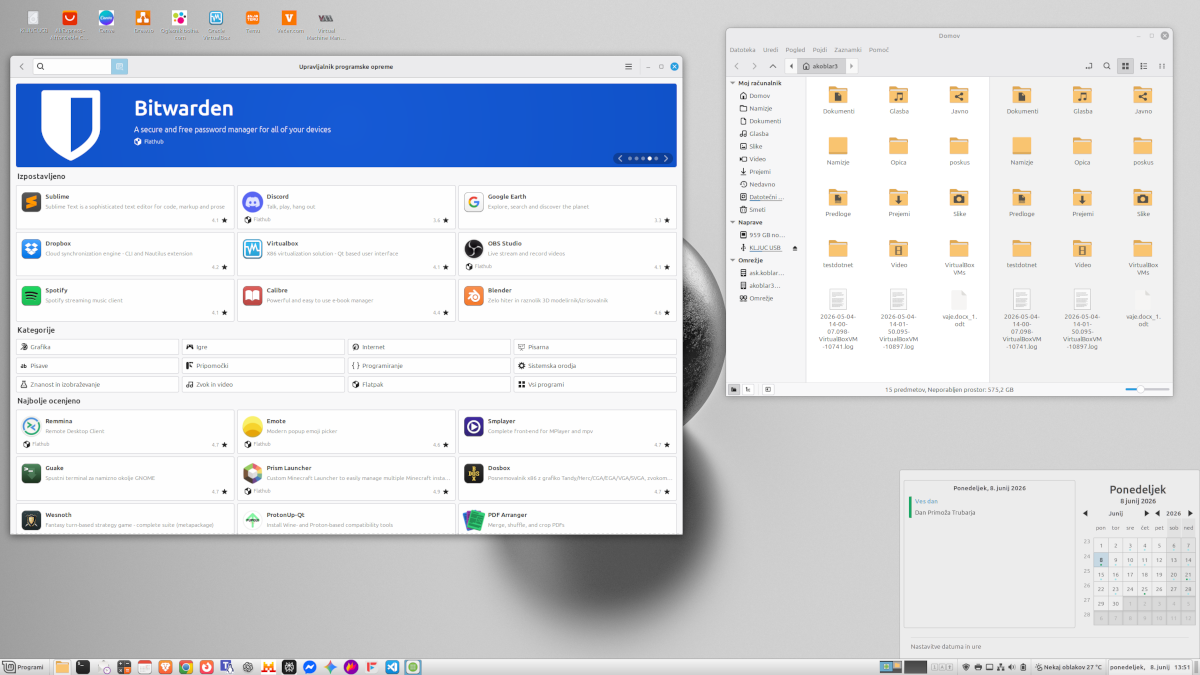
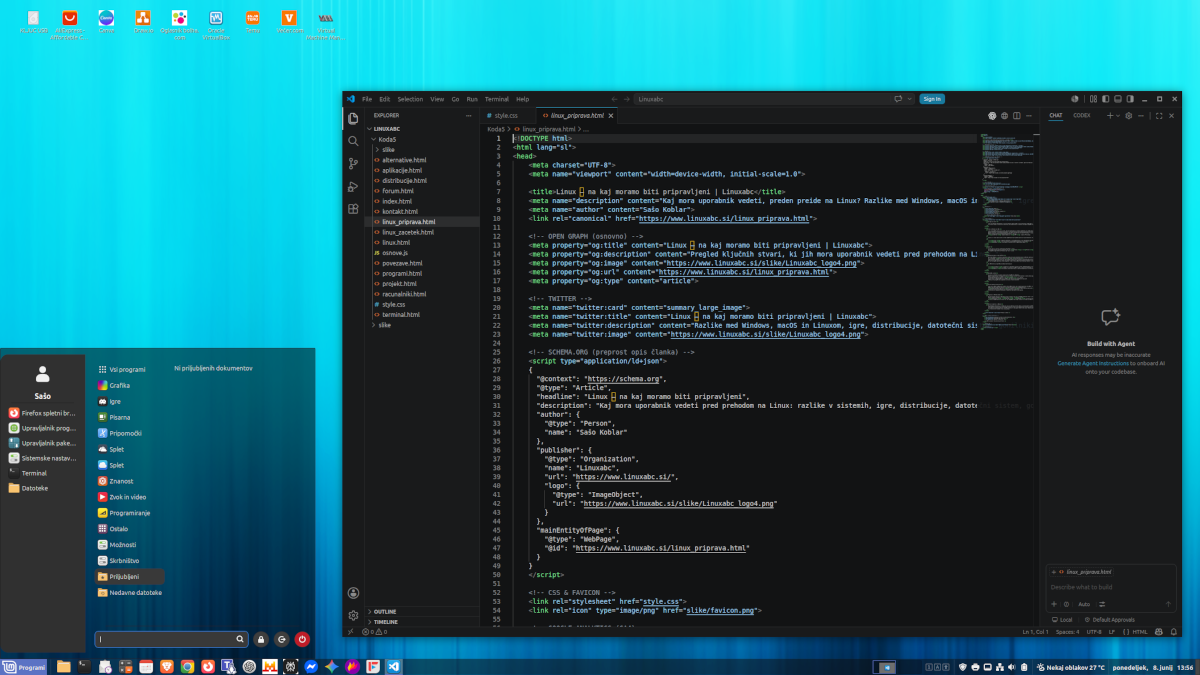
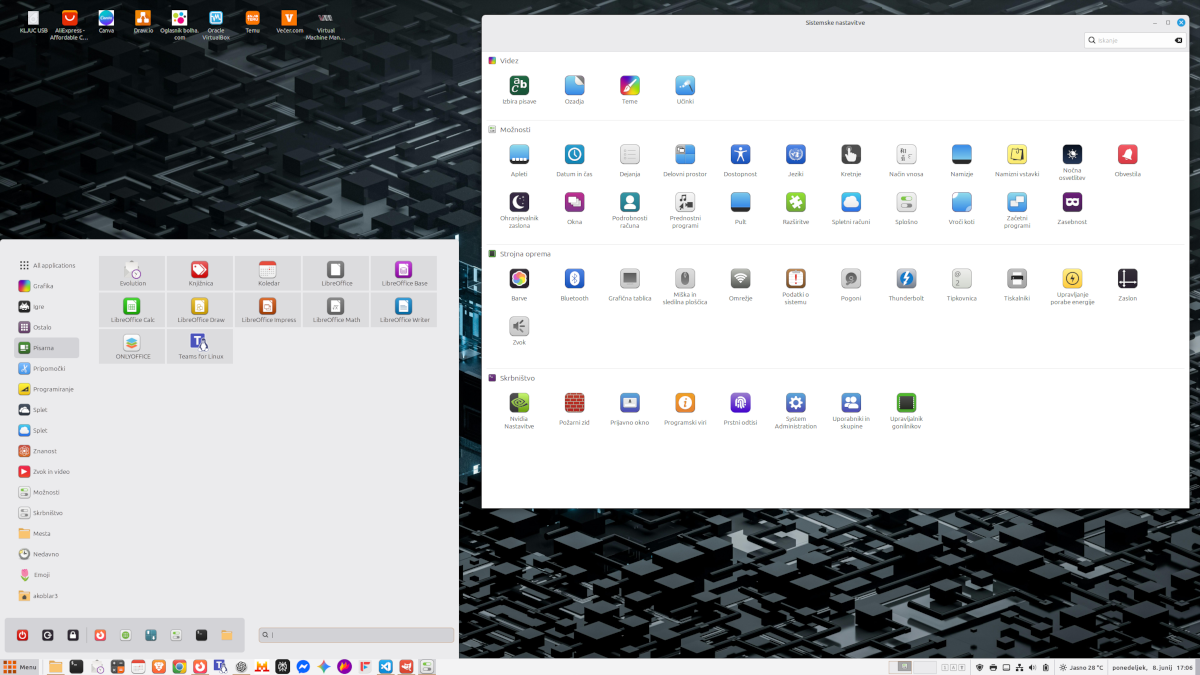
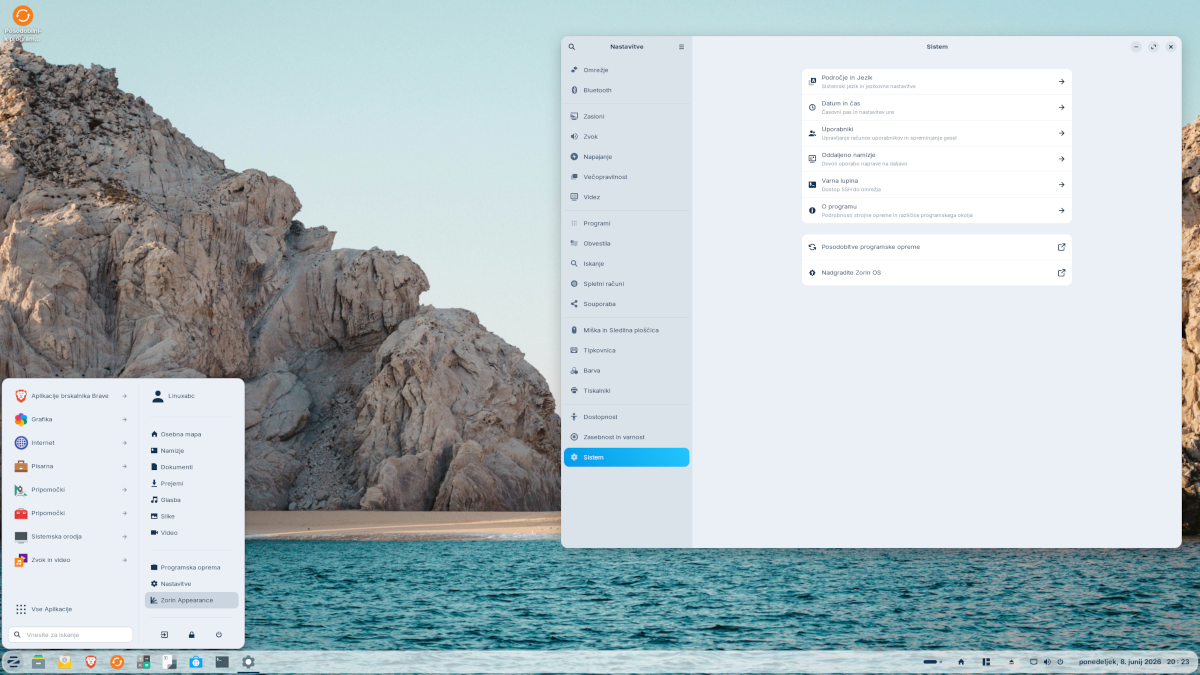
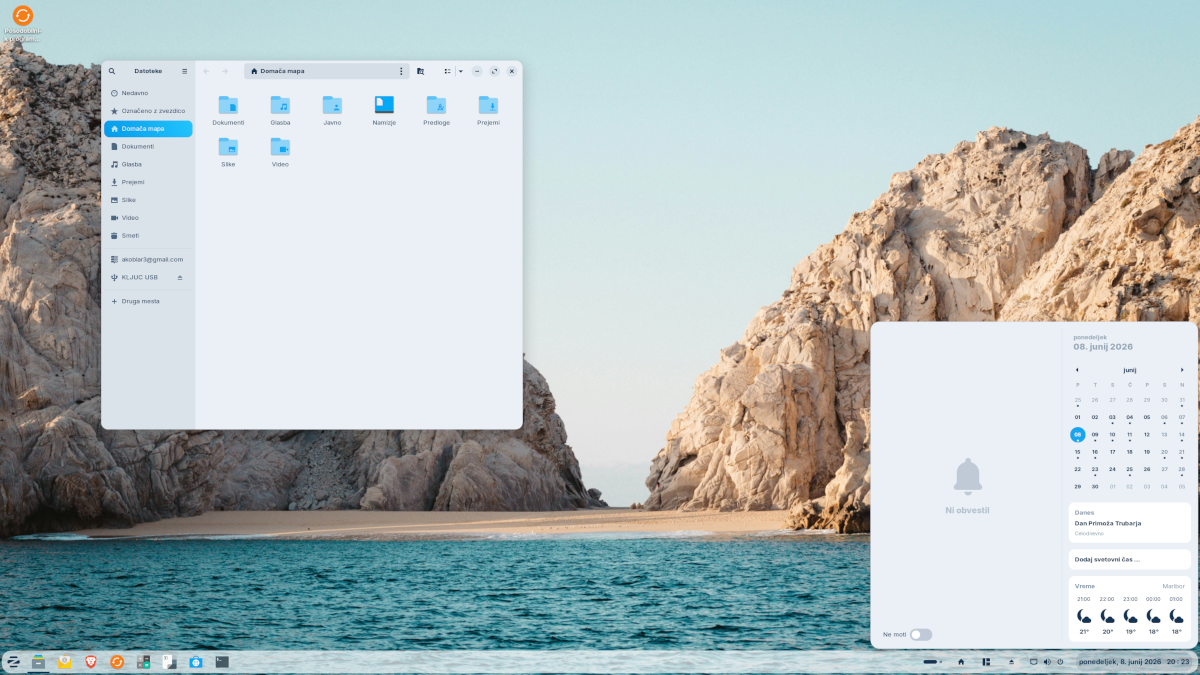
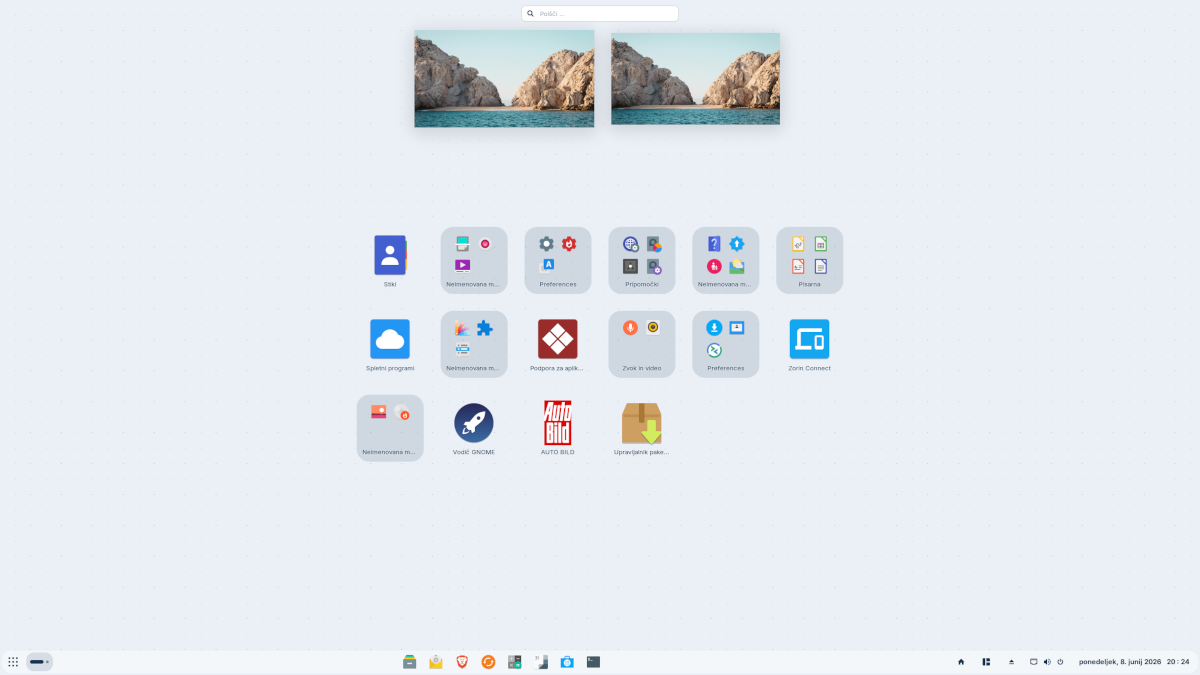
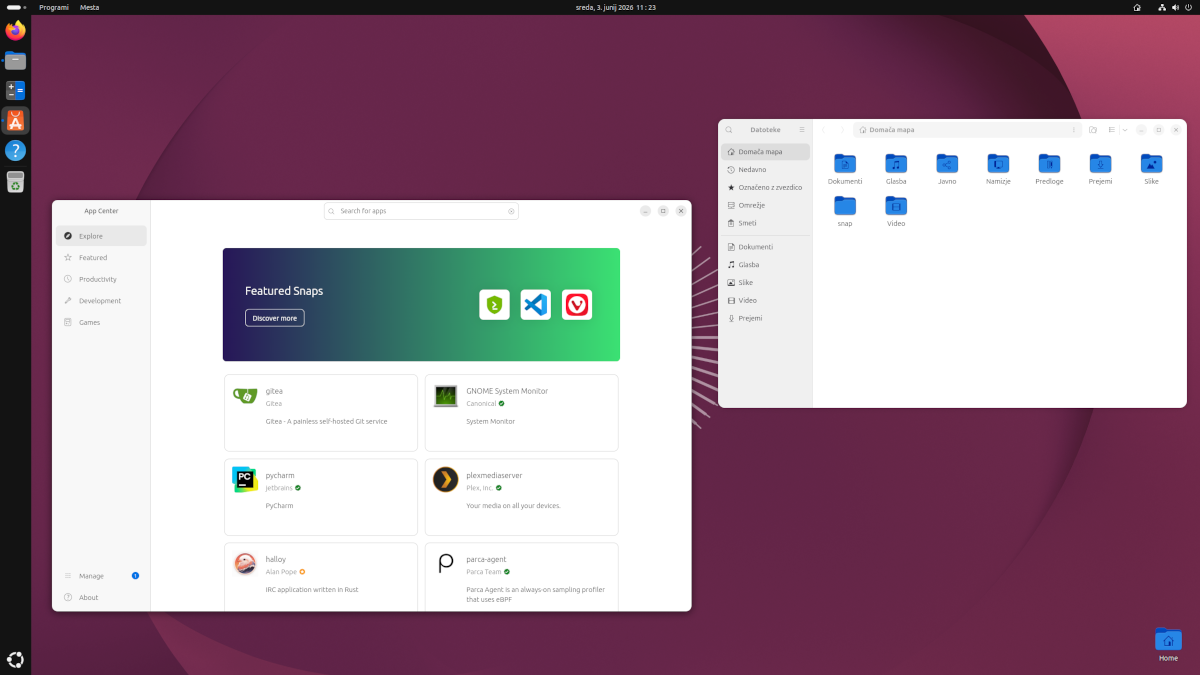
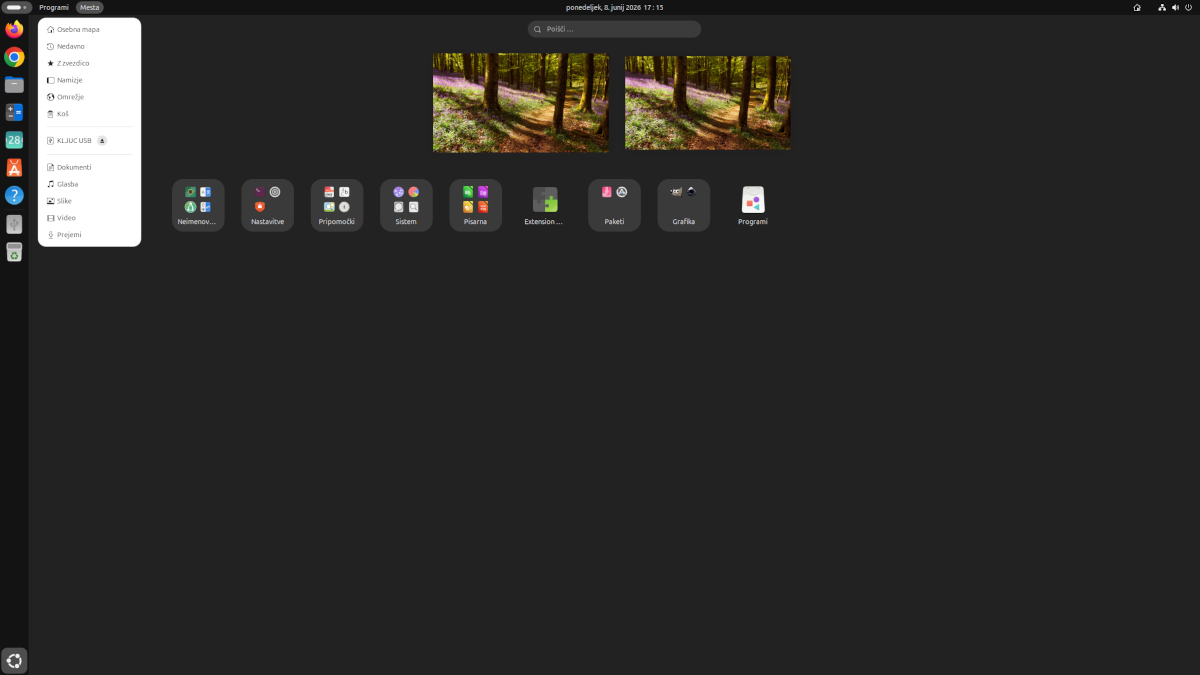
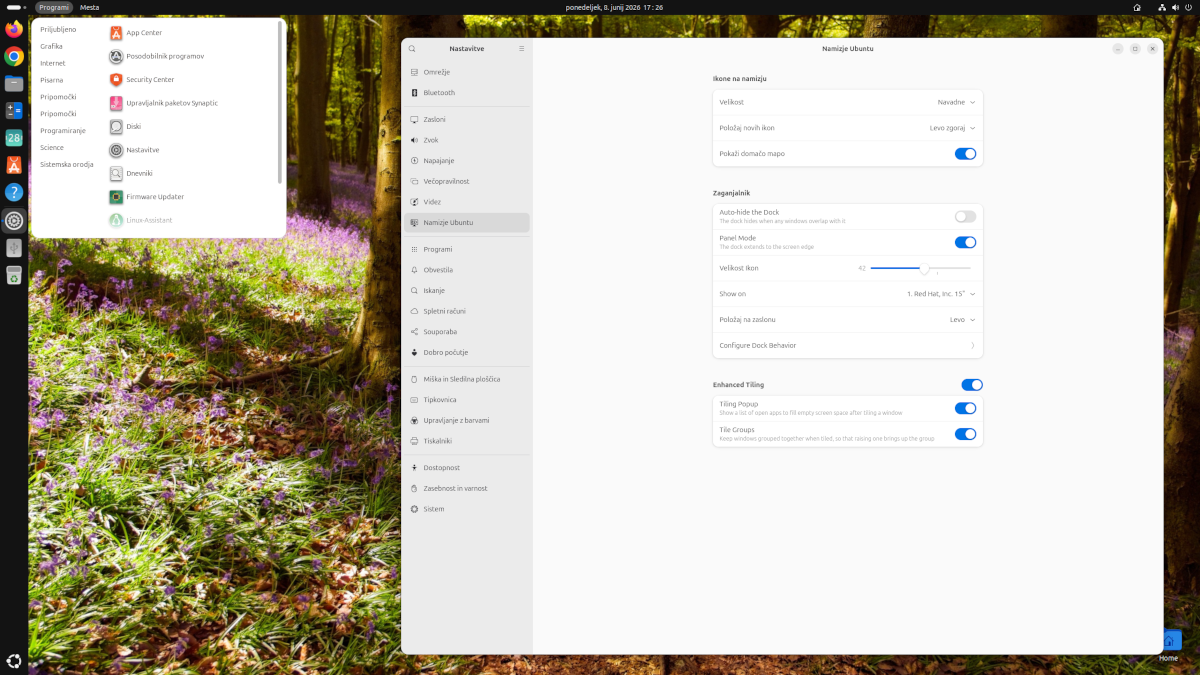
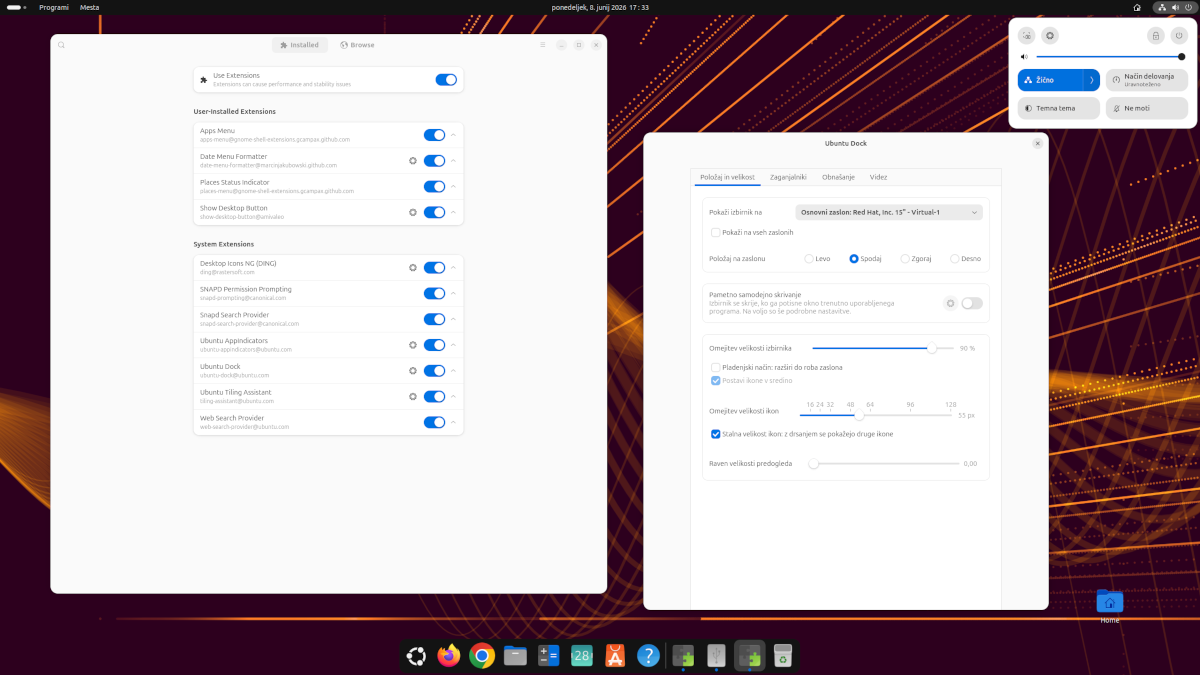
The screenshots below show examples of desktops, menus, settings and applications in Linux Mint, Zorin OS and Ubuntu. They make it easy to see that Linux is not just a terminal – it also provides a polished and practical graphical desktop.
Linux Mint
Zorin OS
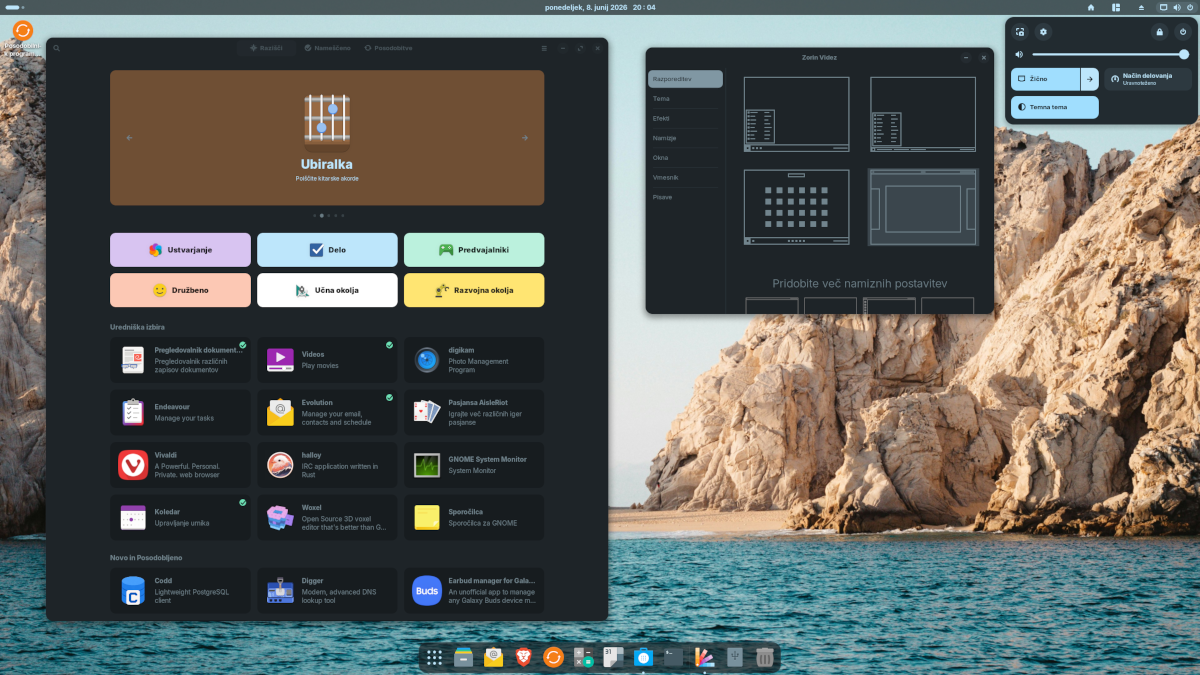
Ubuntu
File system
Files and drives are organised differently on Linux than on Windows. Instead of drive letters such as “C:”, “D:” or “E:”, the system is organised as a single folder tree. Your personal files are normally stored in your Home folder, where you will find folders such as Documents, Downloads, Pictures and Music. Beginners do not need to understand the entire Linux folder structure for everyday use.
Hardware and drivers
Linux installs without major problems on many computers, but some hardware may require additional attention. Before installing, it is a good idea to test Linux from a bootable USB drive and check the hardware you use regularly, especially Wi-Fi, sound, graphics and the touchpad.
Many applications are also available on Linux
Many applications are available on several operating systems, so you can continue using them on Linux. Examples include Firefox, VLC, Thunderbird, VS Code, Blender and many others.
On Linux, you usually do not need to search random websites for software. Many applications can be installed through a software store, repositories or systems such as Flatpak. For beginners, this can often be simpler than manually searching for installation files.
Before you switch
A short checklist can make the transition easier:
- make a backup of important files,
- check whether your most important applications have a Linux version or a suitable alternative,
- if you play a lot of games, check the titles that matter most to you,
- test Linux from a bootable USB drive first,
- if you are unsure, keep your current operating system until you feel comfortable enough with Linux.
There is no need to rush
Switching to Linux is not a competition. The best operating system is the one that lets you do your work reliably and makes you feel comfortable while using it.
The main idea – openness and learning
When switching to Linux, the most important thing is to accept that some things will be different and to give yourself time to learn. You do not need to understand everything on the first day. Start with normal everyday tasks, learn new things gradually and customise the system to suit your needs.