Different systems, different desktops, the same freedom
Introduction
Linux is not just one system in a single form. There are many different versions of Linux,
known as Linux distributions. They all use the Linux kernel, but differ
in appearance, software, update methods, stability and intended use.
For beginners, the most important question is:
which distribution should I choose?
This page therefore explains the main distribution families, fork distributions,
stability, difficulty levels, graphical desktop environments and the differences between
Wayland, X11 and X.Org.
A Linux distribution is a complete operating system. It includes the Linux kernel,
a graphical environment, basic system tools, applications, a package manager
and an update system.
Put simply: the Linux kernel is the engine, while the distribution
is the entire car. The engine provides the foundation, while the
distribution adds the appearance, settings, applications, tools and overall user experience.
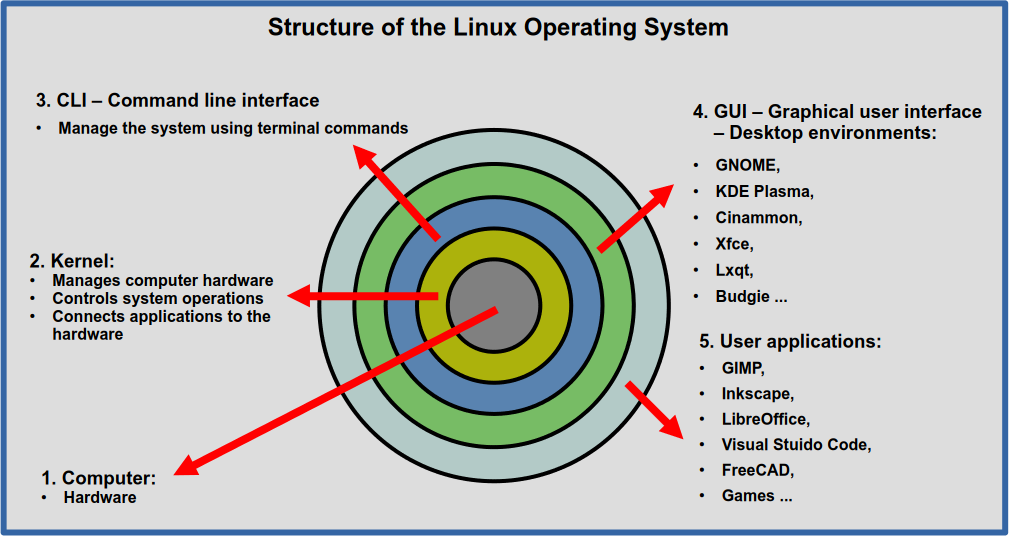
Simplified structure of a Linux system: hardware, kernel, terminal,
graphical environment and user applications.
The Linux Kernel
The kernel is the most important part of a Linux system. It manages communication
between software and hardware such as the processor, memory, storage devices,
graphics card, keyboard, mouse and other devices.
LTS – a long-term support release for users who prefer a calmer, more predictable
system.
Rolling release – the system is updated continuously and usually receives newer
software more quickly.
HWE – newer kernels and drivers intended mainly for more recent hardware.
What Is a Fork Distribution?
The term fork means that a project takes an existing foundation
and develops its own version from it. In Linux, this often means that a new distribution
is based on another distribution but adds its own appearance, applications, settings,
tools and target audience.
A fork is not necessarily a bad thing. Many very successful distributions were created
this way. Forking allows a community or company to adapt an existing foundation
for a different purpose.
Examples of Fork Distributions
Ubuntu is based on Debian.
Linux Mint is based on Ubuntu.
LMDE is based directly on Debian.
Zorin OS is based on Ubuntu.
Manjaro is based on Arch Linux.
EndeavourOS is based on Arch Linux.
It is important to understand that a distribution based on another distribution
is not simply a copy. It often has its own development process, tools, appearance,
default settings and target audience.
Distributions We Recommend for Beginners
For your first steps with Linux, distributions that are stable, easy to use,
well documented and supported by a large community are usually the most suitable.
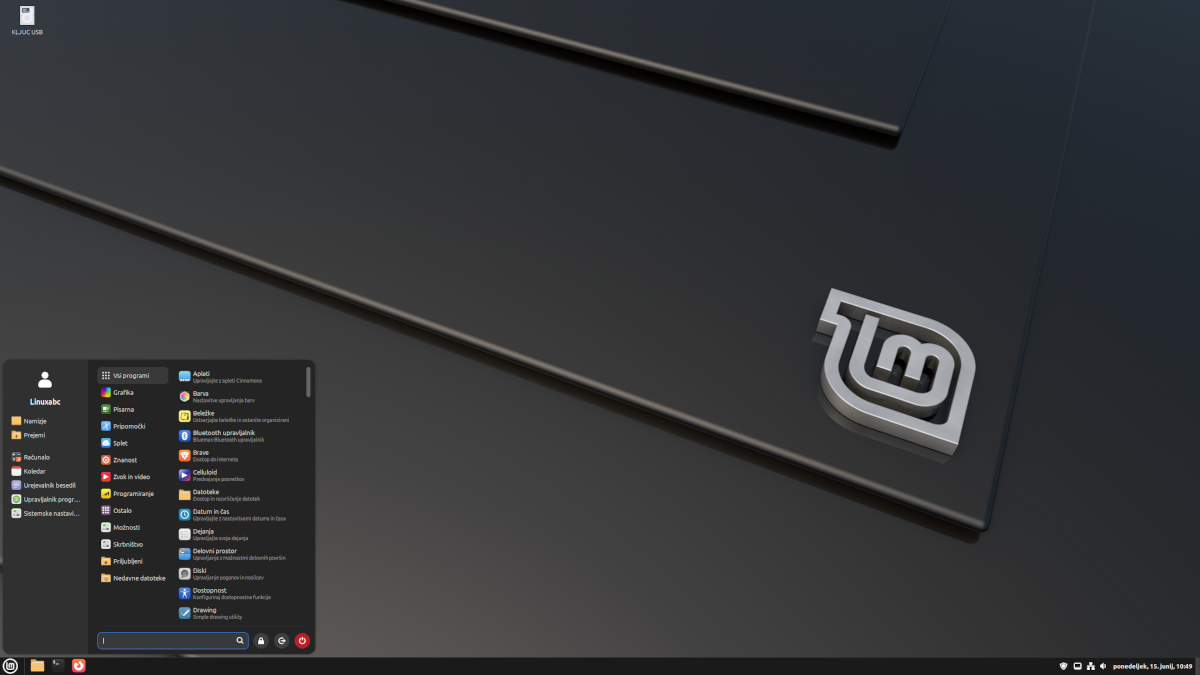
Linux Mint
Our top recommendation for beginners
Linux Mint is very user-friendly, especially for people coming from Windows.
Its most popular edition uses the Cinnamon desktop environment.
easy to use,
very stable,
excellent for home use,
suitable for office work, internet use and multimedia.
Zorin OS
An excellent choice when switching from Windows
Zorin OS is a visually polished distribution designed especially for users
who want an easy transition from Windows.
clean and modern appearance,
beginner-friendly,
suitable for home users,
a good choice for less technical users.
Ubuntu LTS
One of the best-known general-purpose distributions
Ubuntu is one of the most widely used Linux distributions.
The LTS version is suitable for users who want a stable system
with long-term support.
large community,
plenty of online documentation,
suitable for learning Linux,
also a good choice for programming.
Linuxabc Tip
If you are using Linux for the first time, Linux Mint is a very safe choice.
If you want a system that feels familiar to Windows users, take a look at
Zorin OS. If you want a widely used distribution with plenty
of documentation, choose Ubuntu LTS.
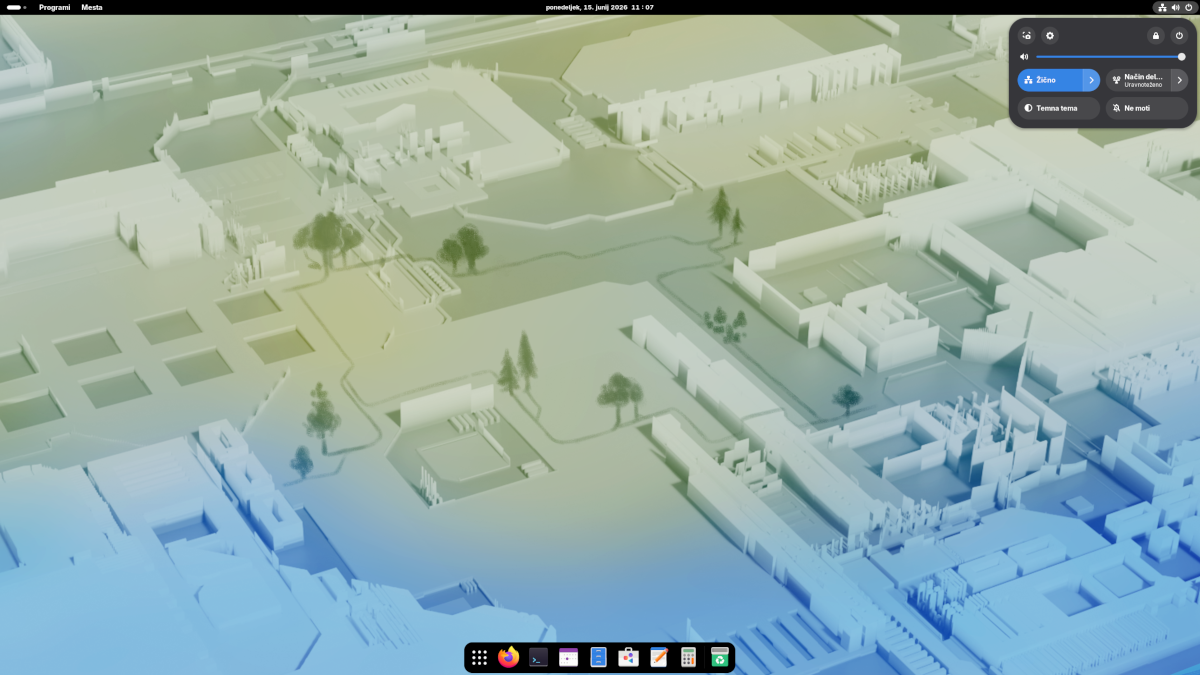
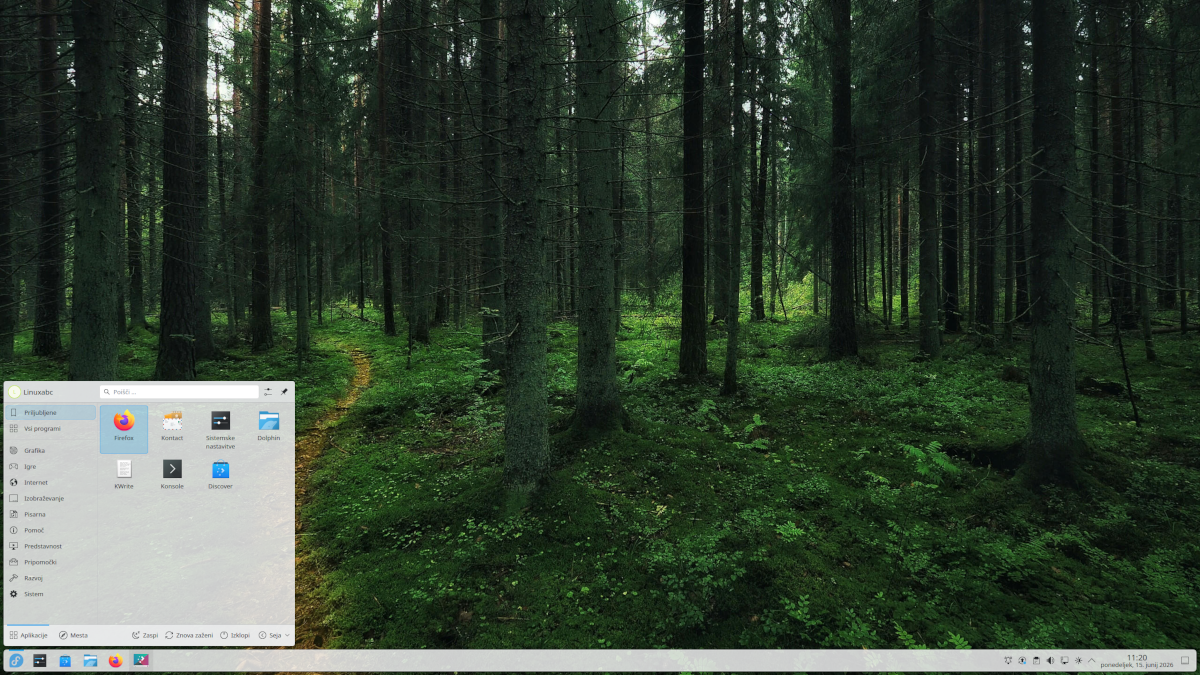
Linux Desktop Environments
In Linux, a distribution and a desktop environment are not the same thing.
A distribution is the complete operating system, while the desktop environment
is the graphical interface that determines the appearance of the desktop,
menus, taskbar, settings, file manager and the general feel of the system.
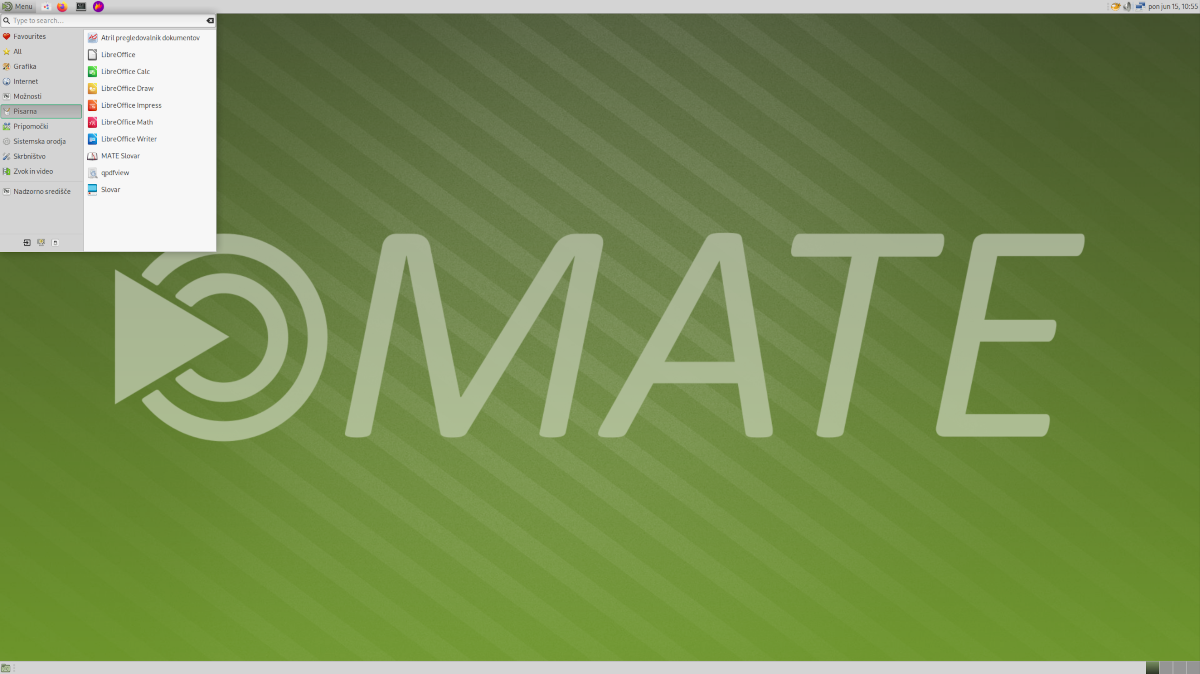
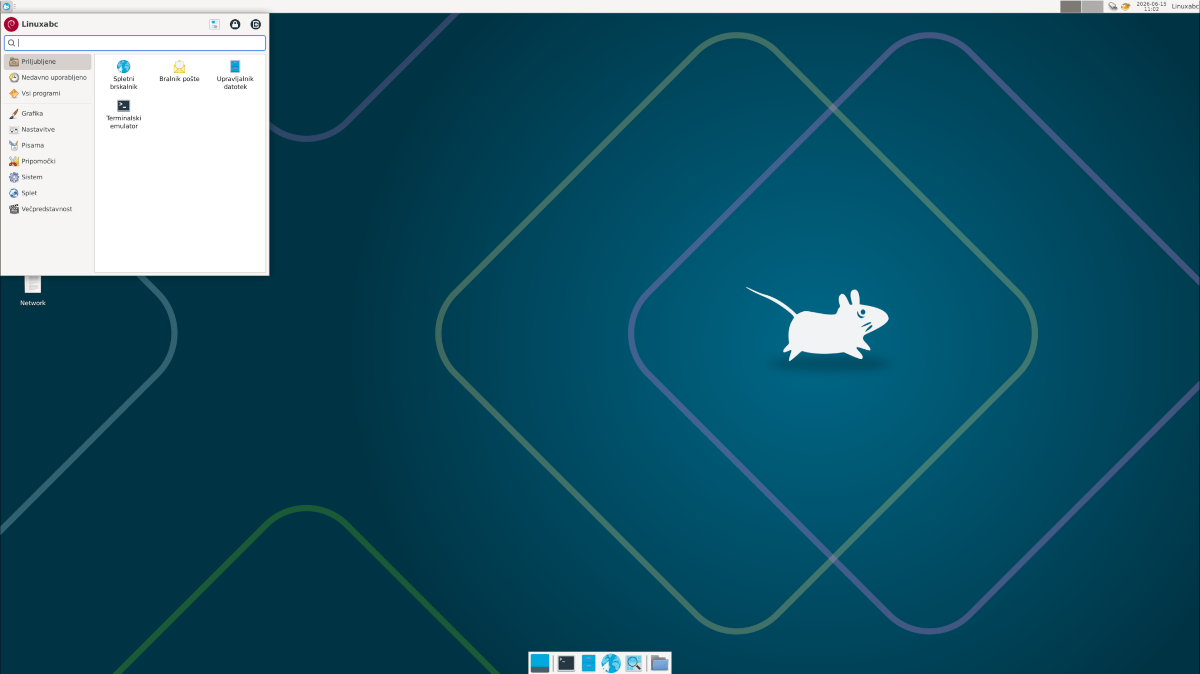
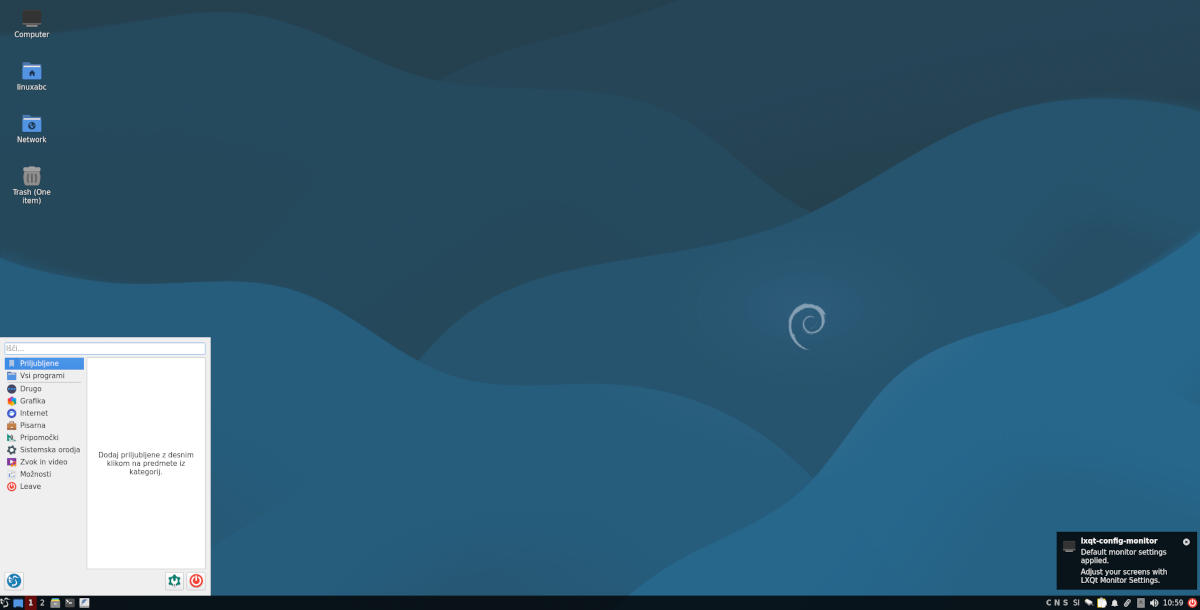
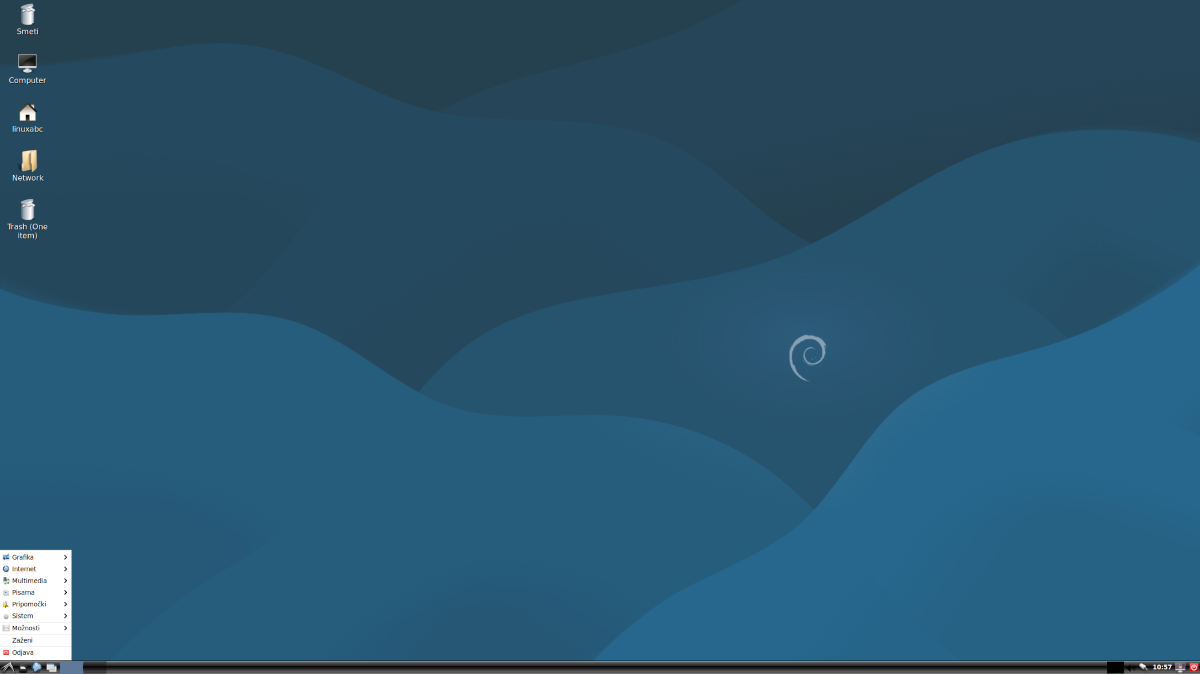
The same distribution can use different desktop environments. Ubuntu, for example,
is available as Ubuntu with GNOME, Kubuntu with KDE Plasma, Xubuntu with Xfce
and Lubuntu with LXQt.
An elegant and simple desktop environment best known
from Solus and Ubuntu Budgie.
Which Desktop Environment Should You Choose?
Cinnamon and KDE Plasma are very beginner-friendly.
GNOME is a good choice if you prefer a modern workflow.
For older computers, Xfce, MATE,
LXQt or LXDE can often be good options.
Wayland, X11 and X.Org
In addition to the distribution and desktop environment, Linux has another
important part of its graphical system. It handles the display of windows,
input from the mouse and keyboard, monitors, and communication between
applications and the graphics hardware.
On Linux, you will often encounter the terms X11,
X.Org, Xorg and Wayland.
These terms can be confusing for beginners, but they can be explained quite simply.
What Is X11?
X11, also known as the X Window System,
is an older graphical system that served as the foundation for graphical
environments on Linux and other Unix-like systems for many decades.
it is a mature and well-tested system,
it offers very good compatibility,
it works with a wide range of older and newer applications,
it can still be useful when Wayland causes problems with certain hardware or applications.
What Are X.Org and Xorg?
X.Org is the project and organisation that develops
an open-source implementation of the X Window System.
Xorg is the display server that many Linux distributions
have traditionally used to provide the graphical environment.
Put simply: X11 is the technology or protocol,
X.Org is the project, and Xorg is the software or server
that enables the graphical environment to work.
What Is Wayland?
Wayland is a more modern replacement for X11.
Its goal is to provide a graphical system that is simpler, more secure,
more efficient and easier to maintain.
it has a more modern design,
it can improve security between applications,
it often provides smoother animations,
it is now the default choice for many modern desktops, especially GNOME and KDE Plasma.
X11 or Wayland?
X11 / Xorg
Wayland
An older and very well-tested graphical system.
A more modern graphical system for newer Linux desktops.
Very good compatibility with older applications.
A better design for modern desktop environments.
Useful with older hardware or specialised applications.
Often a better choice for newer systems.
Still useful as a fallback option.
Becoming the default choice in many distributions.
How Can I Check Which One I Am Using?
Enter the following command in the terminal:
echo $XDG_SESSION_TYPE
If the result is:
wayland
you are using Wayland. If the result is:
x11
you are using an X11 or Xorg session.
Linuxabc Tip
Most beginners do not need to choose between Wayland and X11 manually.
The distribution will usually select the most appropriate option automatically.
If everything works normally, simply keep the default setting.
If you experience problems with graphics, screen recording, remote desktop
or a particular application, you can try switching between a Wayland
and X11 session when logging in.
Linux Mint – one of the most beginner-friendly choices.
Zorin OS – very suitable for users switching from Windows.
Ubuntu LTS – widely used, well documented and stable.
LMDE – a Linux Mint edition based directly on Debian.
🟡 Intermediate Users
Fedora Workstation – modern and well suited to developers.
openSUSE Leap – stable, with the powerful YaST administration tool.
Debian – extremely stable and highly important in the Linux world.
MX Linux – a lightweight and practical system.
🟠 Advanced Users
openSUSE Tumbleweed – a rolling-release distribution with newer software.
EndeavourOS – a friendlier entry into the Arch world.
Manjaro – based on Arch with a more user-friendly approach.
🔴 Experienced Users
Arch Linux – a system that users largely build and configure themselves.
Gentoo – a highly customisable system for experienced users.
Distribution Stability and Update Style
Distribution stability refers to how carefully updates are tested before
they reach users. More conservative distributions may not always include
the newest software, but they generally prioritise reliability.
Very stable:
Debian, Linux Mint, Ubuntu LTS, Zorin OS, openSUSE Leap.
Modern while remaining reliable:
Fedora, Pop!_OS, MX Linux, elementary OS.
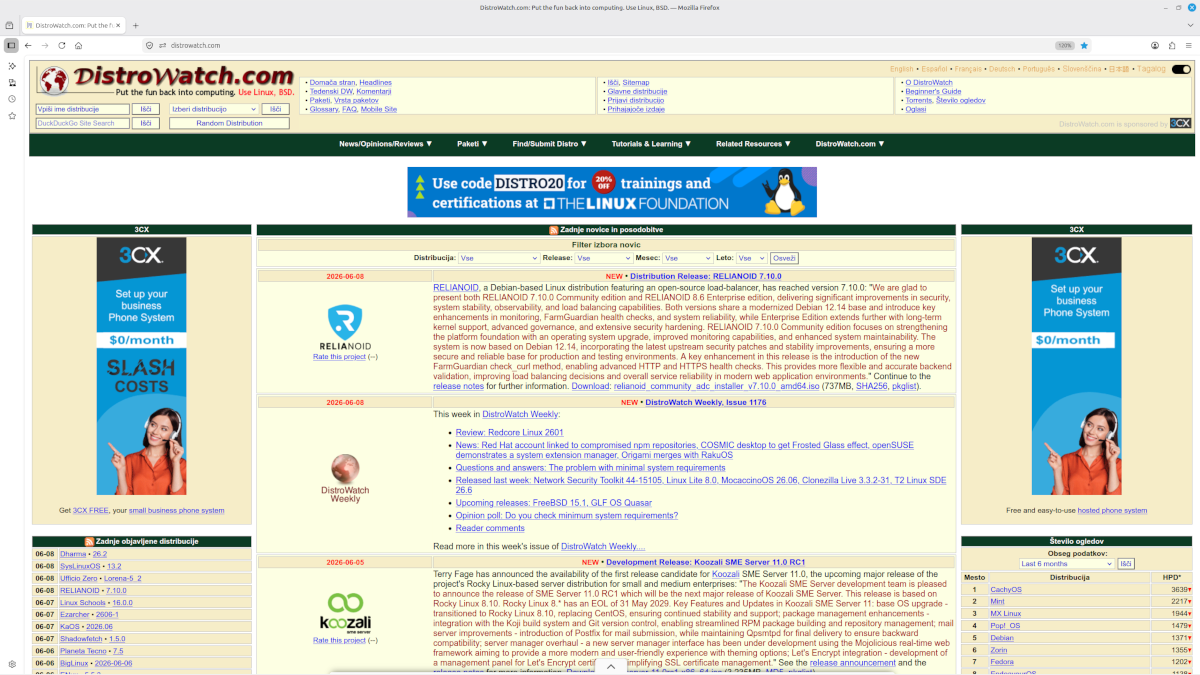
DistroWatch is a well-known website for following Linux distributions.
It provides news, release information, distribution descriptions
and rankings based on visitor interest.
DistroWatch is useful for exploring distributions, but its rankings
do not necessarily represent the actual number of users.
Main Linux Distribution Ecosystems
Debian / Ubuntu Ecosystem
Debian
– a stable and highly influential distribution.
Ubuntu
– a widely used distribution for home and business use.
Linux Mint
– one of the most beginner-friendly Linux distributions.
Arch Linux
– a highly customisable system for more advanced users.
Manjaro
– an Arch-based system with a more user-friendly approach.
EndeavourOS
– a friendlier entry into the Arch world.
Garuda Linux
– a visually rich Arch-based distribution.
CachyOS
– an Arch-based distribution with optimised packages.
Which Distribution Should You Choose?
If you are a complete beginner, choose a distribution that is stable,
easy to use and has plenty of community support.
A safe beginner-friendly choice: Linux Mint.
A Windows-like experience: Zorin OS or Linux Mint Cinnamon.
Plenty of online documentation: Ubuntu LTS.
For newer technologies: Fedora.
For an older computer: Linux Mint Xfce, MX Linux, Lubuntu, Debian with LXQt or
LXDE.
For learning Linux in depth: Debian, Arch Linux or Gentoo.
Conclusion
The variety of distributions is one of Linux's greatest strengths.
Every user can find a system that suits their computer, experience
and way of working.
For beginners, Linuxabc particularly recommends Linux Mint,
Zorin OS and Ubuntu LTS.
As users gain experience, they can also explore other distributions,
desktop environments and graphical technologies such as Wayland and X11.